Meet the Themes
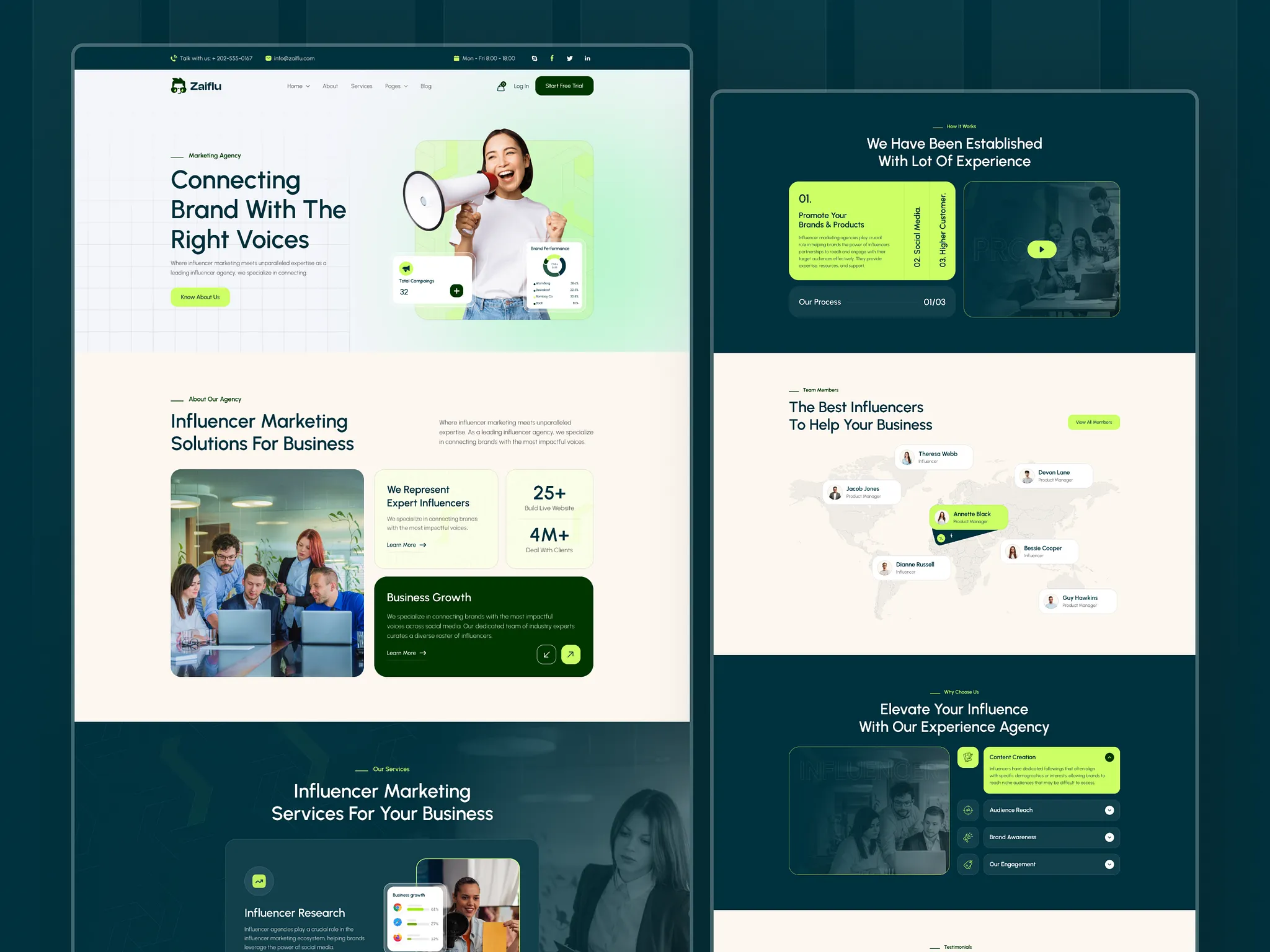
- A theme is the visual and structural foundation of your website. Instead of building a site from scratch, a theme provides pre-designed layouts, sections, and styling rules. It determines how your site looks, how visitors navigate it, and what features are available out of the box.
Theme 6: Corporate Template
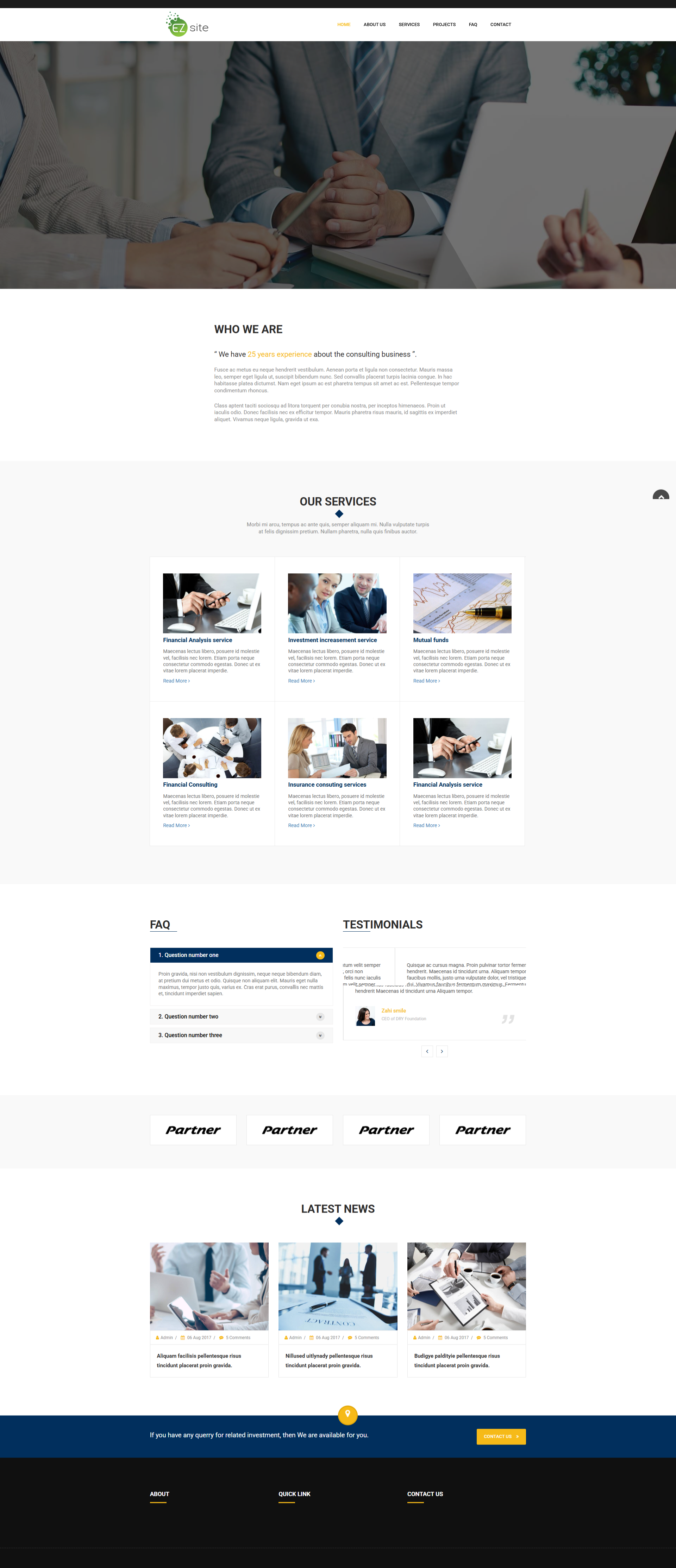
A clean, no-frills theme built for company profiles and service-based websites. Designed for users who want to set up fast without choosing between dozens of layout options.- Simple decision-making: fewer layout options mean faster setup
- Clean corporate aesthetic suited for business, consulting, and agency sites
- Low learning curve for non-technical users
- Wide variety of inner page section types for content-heavy websites
- No header layout choice - mean default style
- Only 2 footer layouts available
- Layout Variants: Full Image, Full Content, 2 Column with Image, 3 Column with Image, 3 Column without Image, 4 Column with Image, 6 Column with Image, Right Image with Left Content, Left Image with Right Content, Left Sidebar with 2 Image Column (Thumblist), Right Sidebar with 2 Image Column (Thumblist), Full Image with Full Content, Right Left Content with Background Image, Left Slider Image with Right Slider Content
- Content & Text: Content, Highlight, Title Style, Multiple Column Content, Tab Content, Message Box, Simple Wizard
- Media & Gallery: Full Video, MP4 Video, Video with Content, Video List, Gallery Slider, Full Google Map, Multiple Marker on Map, Content Overlay Background Image, Background Image with Content Align Center
- Interactive & Functional: FAQ, Left Sidebar with FAQ, Right Sidebar with FAQ, Thumblist, Thumblist Category List, Countdown, Customize Search, Banner, Event Slider, Newsletter, Attachment Download List
- Business & Trust: Success Case, Case Study (for Product Catalog), Testimonial, Google Reviews, Partner Image List
- Contact Forms: Contact Us (Left Form), Contact Us (Right Form), Contact Us (Form Only), Contact Us (Quick Link), Customized Contact Us, Content with Right Map (Right or Left)
- Other: News List, Product Catalog, Customized Column
Theme 14: E-Commerce Theme One
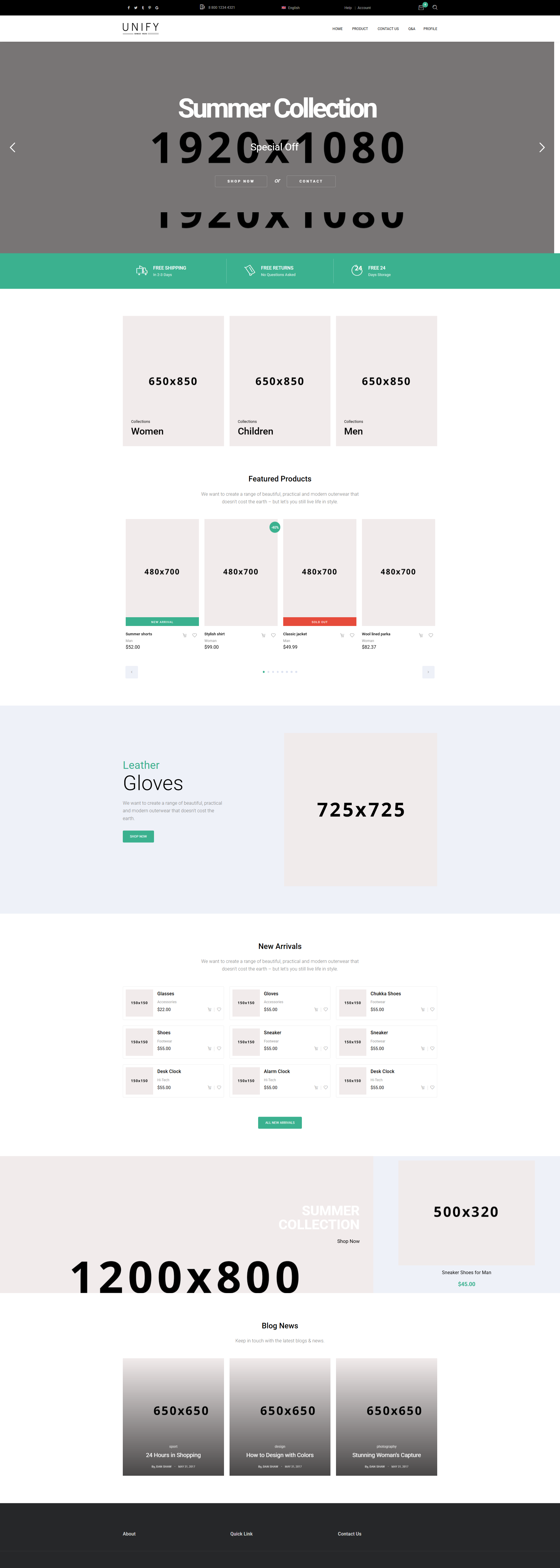
The section powerhouse. While its header and footer options are limited, Theme 14 compensates with the widest variety of sections across all themes, especially product catalogs, media galleries, and e-commerce-specific blocks. It is also the only theme that includes a full mail notification system covering the entire order lifecycle, from placement to fulfillment.
Strengths:
- Richest section library of all three themes
- Strongest product page and media display capabilities
- Full mail notification system spanning 10 order event types
- Ideal for businesses that need detailed, visually rich product showcases
Limitations:
- Very few header and footer layout options - less control
- Feels less flexible than Theme 16 when it comes to overall page structure and first impressions
- Overkill for simple company websites that don't sell products
Available Page Sections
Theme 14 offers the largest section library of all three themes, with particular depth in e-commerce and product display:
- Layout Variants: Full Image, Full Content, Full Image with Full Content, 2 Column with Image, 3 Column with Image, 3 Column without Image, 3 Column with Word on Image, 4 Column with Image, 4 Column with Background Color, Left One Column Right Three Column / Left Three Column Right One Column, Right Image with Left Content, Left Image with Right Content, Right Image with Left Content Slider, Left Image with Right Video, Left Content, Left Content with Right Map, Parallax with Content, Background Image with Content Align Center, Customized
- Product & E-Commerce: Product Slider, Product Thumblist, Product List, Product List without Sidebar, Single Product Block, Product Catalog, Product Catalog Category List, Product Category List, Cart to Checkout
- User Account & Orders: Login, Signup, Profile, Order List, Search Order
- Media & Gallery: Full Video, Video List Banner, Instagram, Tik Tok
- Content & Listings: Tab Content, Tab List, Thumblist, Blog List, Blog Category, News List, Multiple Column Content, Reward Centre, Reward List, Search Result Category List
- Interactive & Functional: FAQ, Popup Content, Search Postcode with Background Image, Slider, Multiple Buttons, Call to Action, Newsletter
- Trust & Social Proof: Success Case, Testimonial, Partner Image List, Feature Banner, Google Reviews
- Contact: Contact Us (Left Form), Contact Us (Right Form), Customized Contact Us, Full Google Map
Theme 16: Demo Shop Style Page
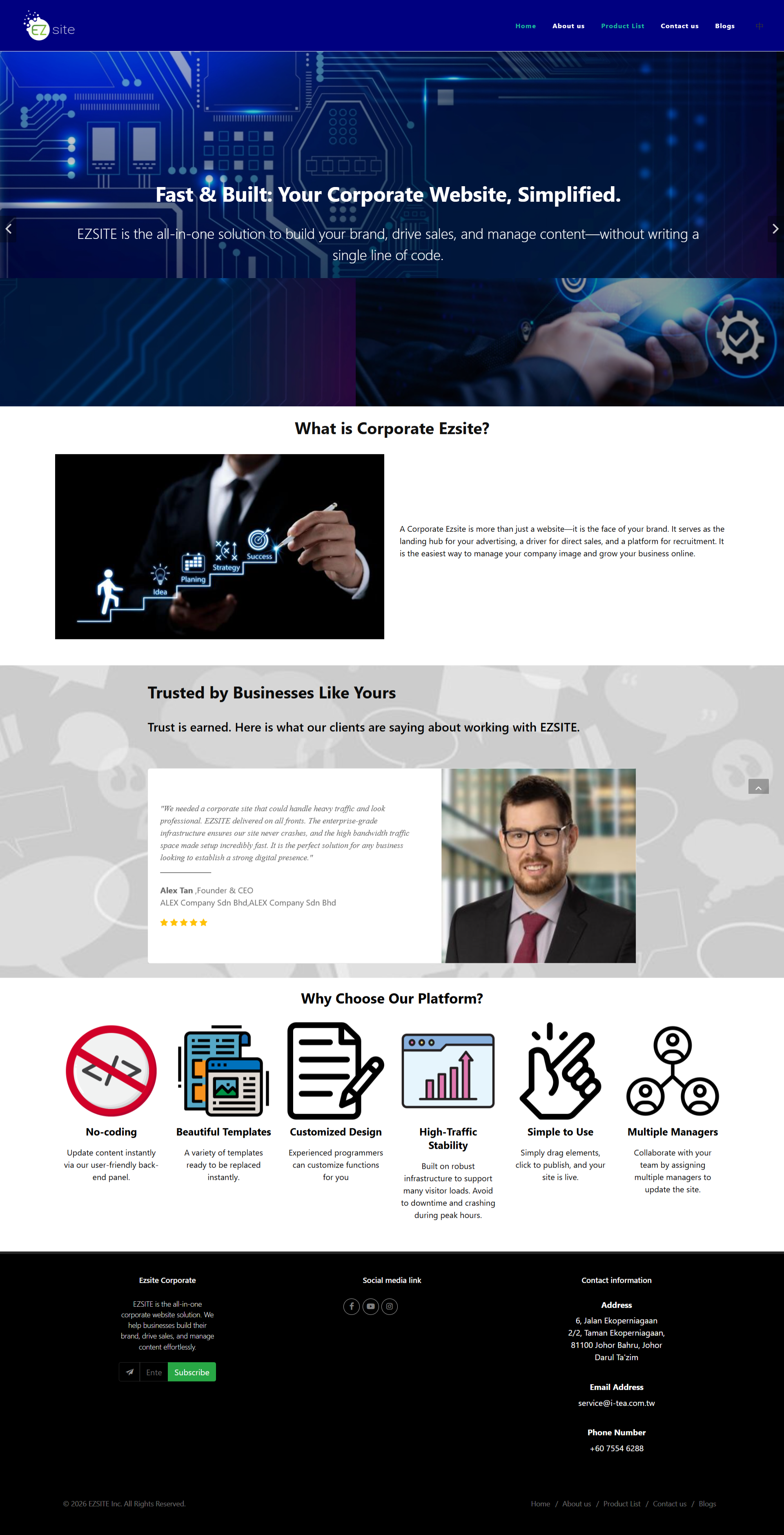
The framing powerhouse. Theme 16 offers the most header and footer layout options of all three themes, designed for marketplace-style websites. Its section library is very rich overall — but its real advantage lies in how much control you have over the page frame itself. If the "wrapper" of your website (the header and footer) matters as much as the content inside it, Theme 16 is the answer.
Strengths
- Most header and footer layout options available across all themes
- Very rich section library overall, not just in framing
- Supports advanced interactive elements like scroll flip effects, video background animations, and popup content
Limitations
- No built-in mail notification system (unlike Theme 14)
- Can feel excessive for simple corporate or brochure-style websites
- More configuration options mean a slightly higher learning curve compared to Theme 6
Available Page Sections
Theme 16's section library covers both standard content blocks and advanced interactive elements:
- Layout & Structure: Right Image Left Content, Left Image Right Content, Customized Column, Overlapping Columns Image, Banner, Slider, Under Construction Page, Customized Breadcrumb, Customizable Button Link, Extra Button
- Advanced Effects: Video Background Animation, Scroll Flip Effect, Popup Content
- Content & Listings: News List, Blog List, Video List, Attachment Download List, Thumblist, Thumblist Category List, Timeline, FAQ, Multiple Column Content
- Product & Commerce: Product Catalog, Product Catalog (Feature), Case Study
- Contact & Trust: Contact Form, WhatsApp Form, Contact Us (Quick Link), Countdown Form, Testimonial, Google Reviews
Quick Guide
- You need a simple company website , no e-commerce, no complex product pages, no marketplace features. Just services, about, contact, and maybe a blog or FAQ page. You want to launch fast and not think about layout choices.
- You sell products and need rich product showcases, detailed media galleries, and automated order email notifications. The framing matters less to you than what goes inside the page.
Choose Theme 16 if...
- You want a Shop-like marketplace experience with maximum control over your header and footer, plus advanced interactive effects like scroll animations and video backgrounds. You need the page to feel commercial from the moment someone lands on it.