Column Layout Templates
This guide provides 12 pre-configured layout templates for the Customized Column section. Use the Section Configuration and Styling tips to recreate these professional designs.
Last Updated: March 31, 2026
Group 1: Hero & Full-Width Focus
Layout 01: The Full-Width Storyteller
- Column Structure: 1 Column (Full Width)
- Recommended Content:
- Hero Section: A massive opening banner for your homepage.
- Major Announcement: Important news like an award or new product launch.
- Advantages:
- Maximum Impact: It stretches edge-to-edge, filling the screen immediately.
- Immersive: Creates a cinematic feel, perfect for setting a mood or brand tone.
Group 2: Two-Column Layouts
Layout 02: Equal Split
- Column Structure: 2 Columns (50% | 50%)
- Recommended Content:
- About Us: Team photo on one side, company text on the other.
- Service Feature: Icon/Image on one side, description on the other.
- Advantages:
- Symmetrical: Visually stable and professional.
- Direct Correlation: The image and text are side-by-side, making them easy to digest together.
Layout 03: Content & Sidebar
- Column Structure: 2 Columns (75% | 25%)
- Recommended Content:
- Blog Post: The article body on the left, "Related Posts" on the right.
- Product Details: Product info on the left, "Buy Now" or specs on the right.
- Advantages:
- Readability Focus: The large left column is perfect for long text.
- Hierarchy: Clearly separates primary content (75%) from secondary info (25%).
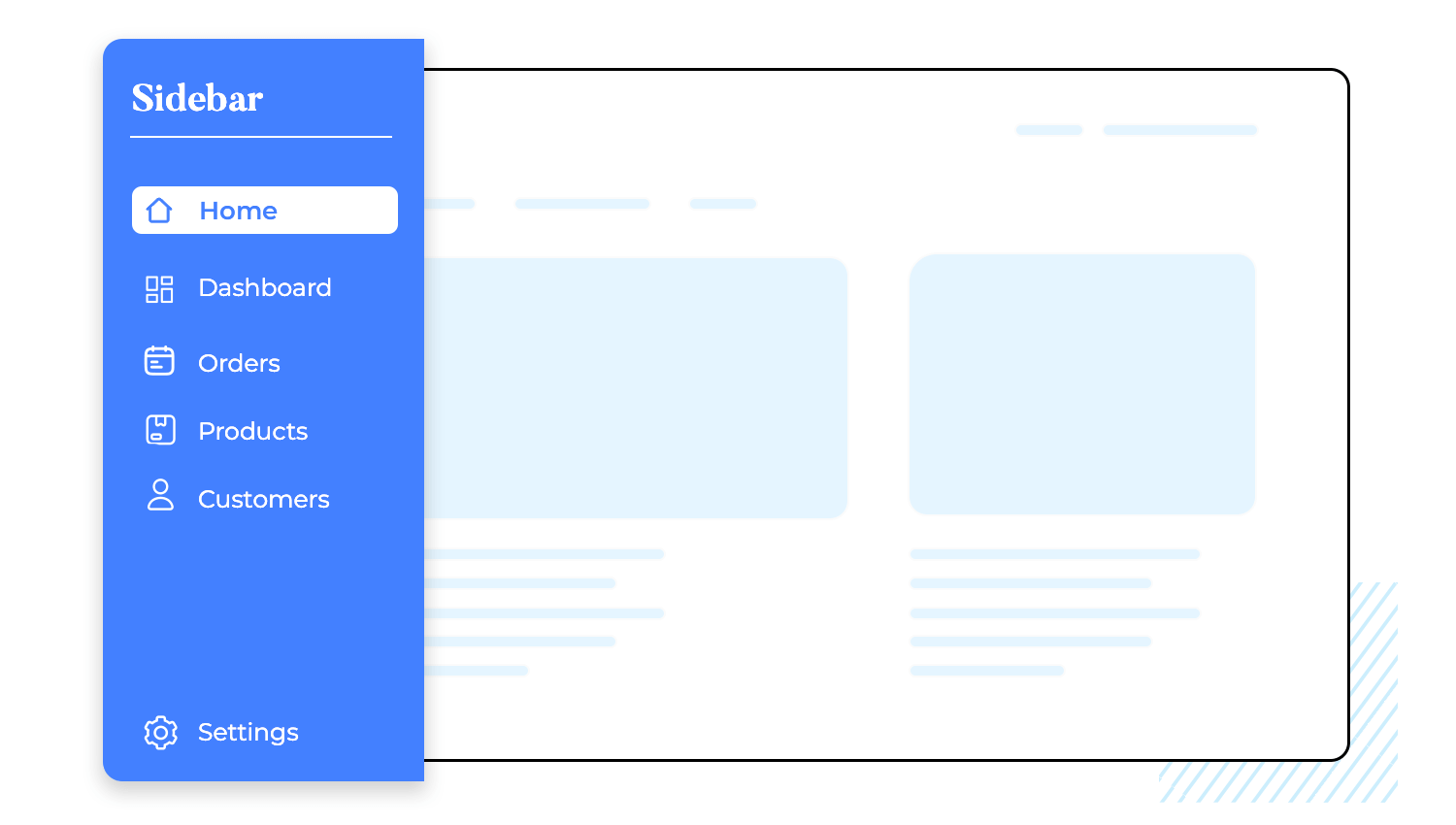
Layout 04: Sidebar with Content
- Column Structure: 2 Columns (25% | 75%)
- Recommended Content:
- Documentation/Help Center: Menu list on the left, instructions on the right.
- Portfolio Categories: Filters on the left, gallery grid on the right.
- Advantages:
- Always Visible Menu: The navigation stays in view while scrolling through the main content.
- Structured: Great for pages with lots of sub-sections.
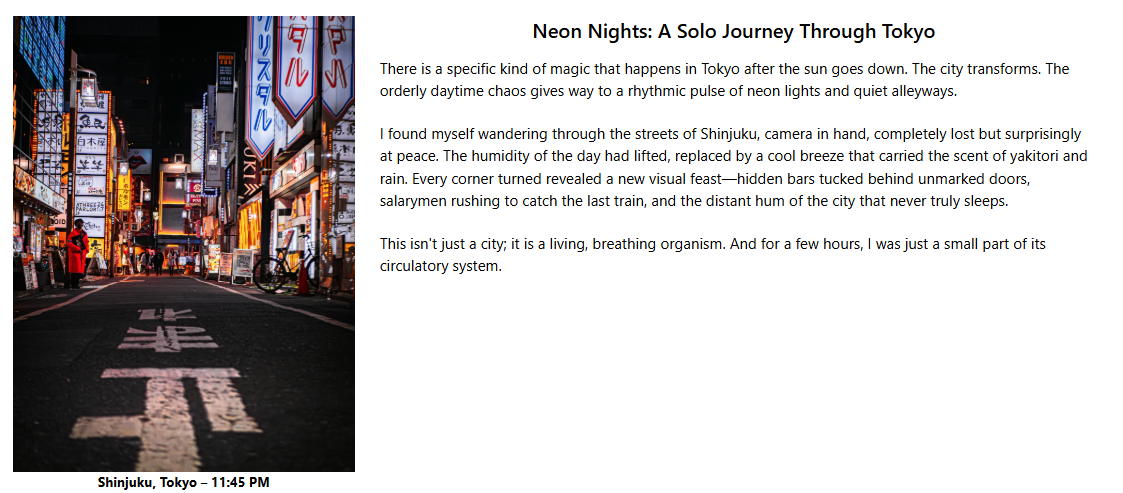
Layout 05: Wide Image Focus
- Column Structure: 2 Columns
- Recommended Content:
- Product Landing Page: Large product shot + persuasive sales copy.
- Marketing Campaign: Big promotional image + Call-to-Action text.
- Advantages:
- Visually Pleasing: The 60/40 split creates a dynamic, modern look compared to a 50/50 split.
- Image Focused: Gives slightly more space to the visual element.
Layout 06: Text-Heavy Focus
- Column Structure: 2 Columns
- Recommended Content:
- Blog Article: Left column for a vertical featured image or sidebar info , Right column for the main article text .
- Product Info: Left column for product image , Right column for detailed description.
- Advantages:
- Optimized Reading: The 60% column provides the perfect width for comfortable reading line lengths.
- Visual Balance: The 40% column is substantial enough to hold a large, high-quality image or additional content block without looking squeezed.
Group 3: Three-Column Layouts
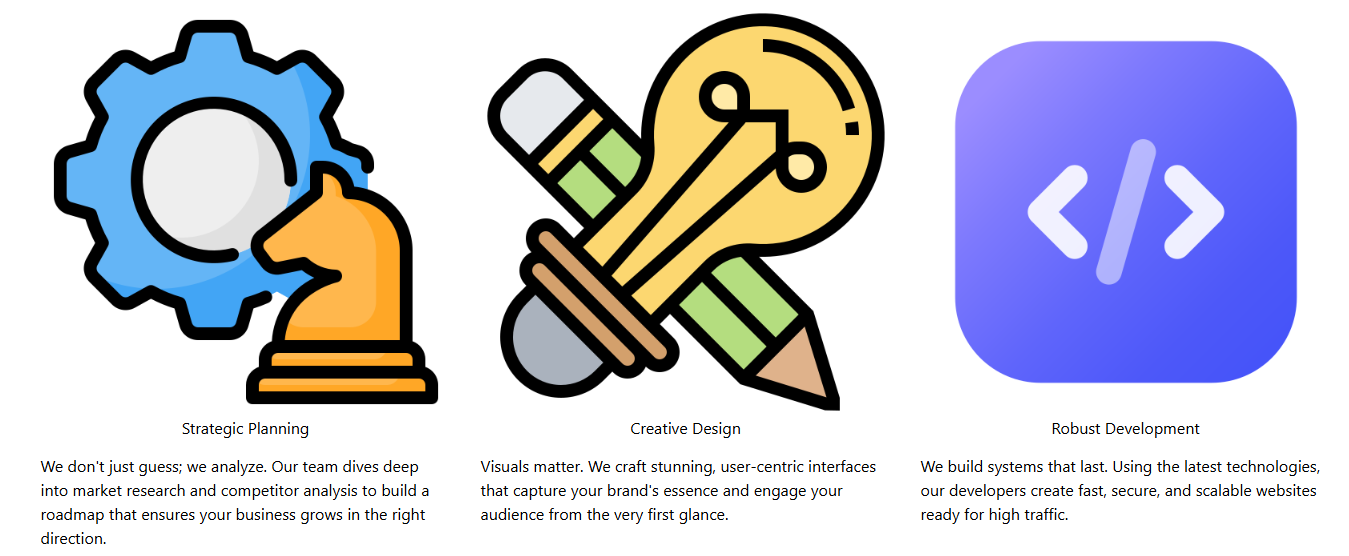
Layout 07: Feature Grid
- Column Structure: 3 Columns (Equal)
- Recommended Content:
- Services: "Strategy", "Design", "Development".
- Key Benefits: Three main selling points.
- Advantages:
- Comparison: Displays three items of equal importance side-by-side.
- Clean: Very organized and easy to scan.
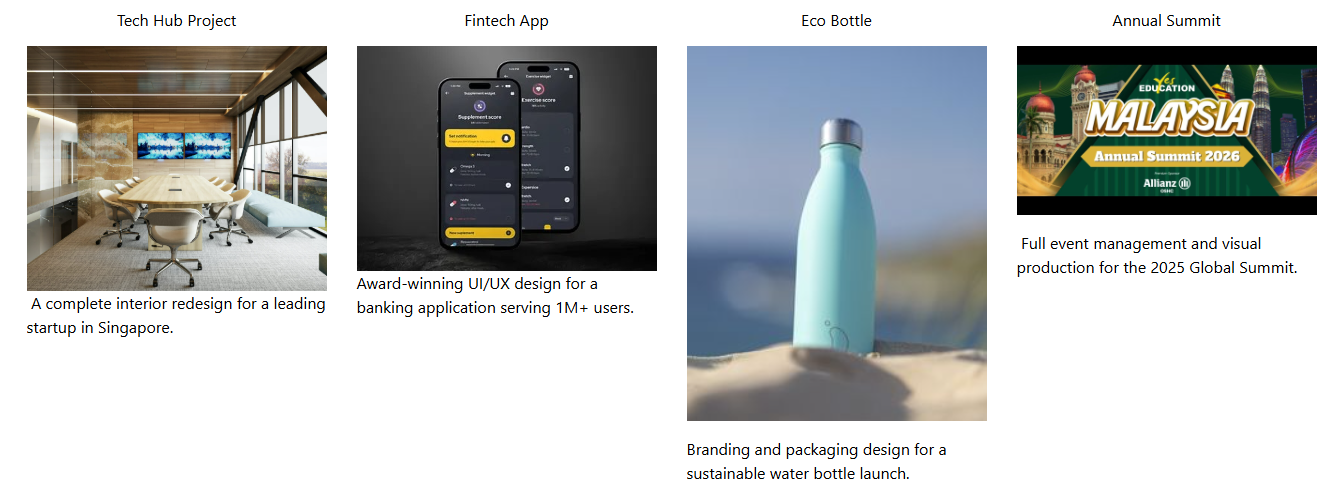
Layout 08: Four-Column Grid
- Column Structure: 4 Columns (Equal)
- Recommended Content:
- Client Logo Wall: Partner logos.
- Portfolio Thumbnails: Four small project previews.
- Advantages:
- High Density: Shows 4 items at once without scrolling.
- Visual Impact: Great for creating a "wall" of images.
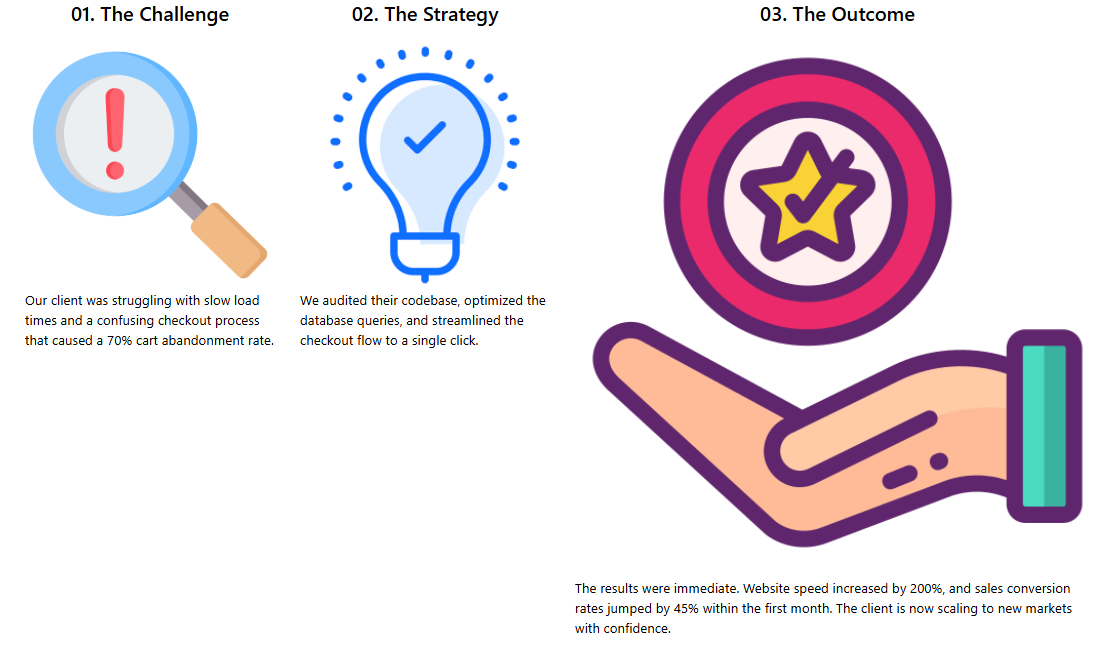
Layout 09: Step-to-Result
- Column Structure: 3 Columns (25% | 25% | 50%)
- Recommended Content:
- Step-by-Step Guide: Step 1 & Step 2 (small columns), Final Result (large column).
- Before & After: Problem description (small), Solution (large).
- Advantages:
- Storytelling: Guides the eye from the small steps (left) to the grand finale (right).
- Emphasis: The large 50% area highlights the outcome or solution.
Layout 10: Overview with Details
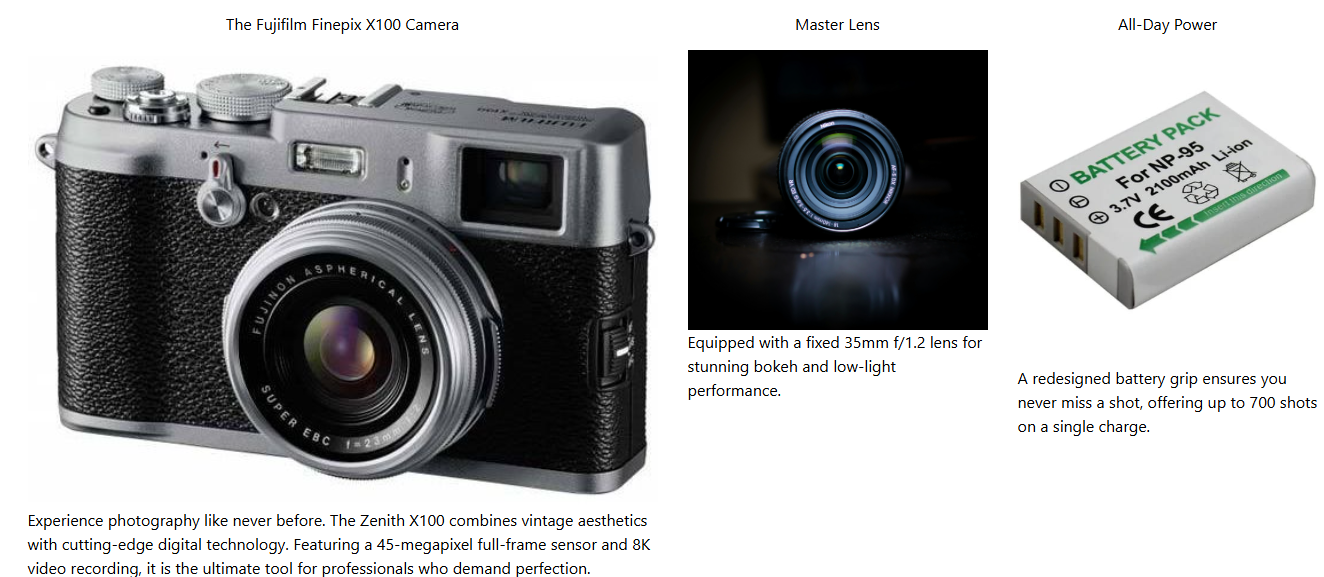
- Column Structure: 3 Columns (50% | 25% | 25%)
- Recommended Content:
- Product Details: Main product shot (large), detail shots (small).
- Team Feature: Team photo (large), individual awards (small)
- Advantages:
- Overview + Detail: Shows the "Big Picture" and the "Fine Details" simultaneously.
- Dynamic: Breaks the monotony of equal-sized grids.
Group 4: Multi-Column Layouts
Layout 11: 5-Column Linear
- Column Structure: 5 Columns (Equal)
- Recommended Content:
- Company History: 2018, 2019, 2020, 2021, 2022
- Project Roadmap: Phase 1 through Phase 5.
- Advantages:
- Linear Flow: Perfect for showing chronological order or a process sequence.
- Compact: Fits 5 distinct steps in a single horizontal row.
Layout 12: 6-Column Grid
- Column Structure: 6 Columns (Equal)
- Recommended Content:
- Footer Sitemap: Home, About, Services, Blog, Contact, Policy.
- Social & Legal: Social icons, copyright, legal links.
- Advantages:
- Space Saver: Fits a massive amount of navigation links in a small vertical space.
- Professional: The standard layout for website footers.