Popout Content

Create eye-catching image or text popups to promote special offers, announcements, and news. Capture leads and drive conversions with our customizable popup content tool.

Content Management
Popout Page Popup Builder Image Popup
Last Updated: March 31, 2026

Part 1: Popup Content Overview

Section Type: Popup Content

This section allows you to create a popup window that appears over your website content. You can choose to display a visual promotion (Image) or a text-based announcement (Description).

Key use case example:

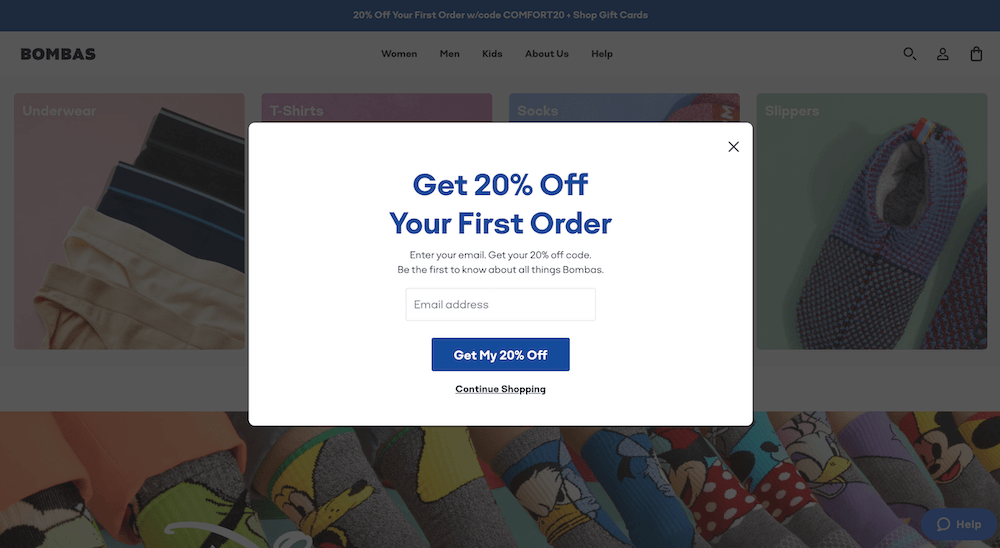
  • Promotions & Engagement: Highlight limited-time offers and capture visitor attention immediately upon entry.
  • Announcements: Display urgent news or important messages without navigating users away from the current page.

Block Image

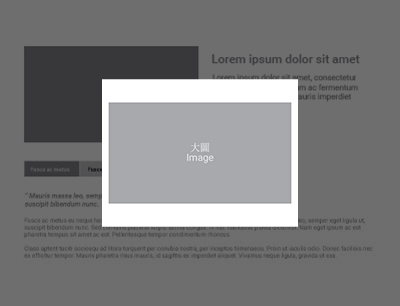
Popout Content Preview

coding

Part 2: Display Type Selection

Select Display Type: Choose the format of your popup content.

Option 1: Image (Best for promotions, banners, or visual ads).

Option 2: Description (Best for announcements, news, or text-based notifications).

屏幕截图 2026-03-10 111517.png

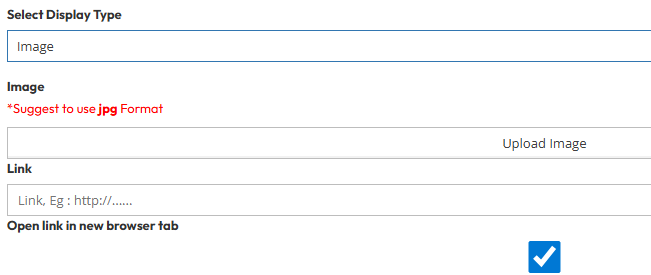
Display Type 1 : Image

Use these settings if you selected Image as your display type.
  • Image: Upload the image file for the popup.
        • Recommendation: Use JPG format for optimal loading and compatibility.
        • Link: Enter the destination URL you want users to visit when they click the image. (e.g. http://www.your-website.com/promotion)
      • Open Link in New Browser Tab:
        • Toggle Yes to open the link in a new tab (keeping your website open), or No to open it in the same tab.

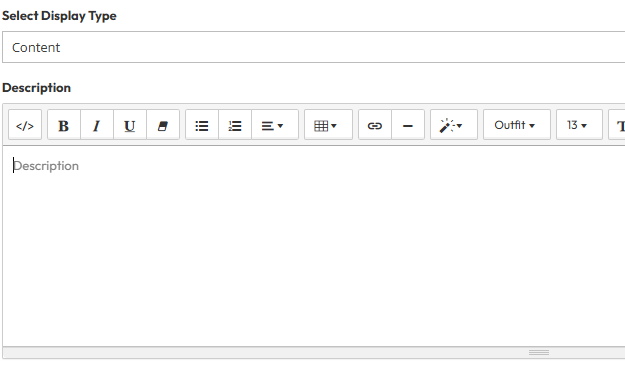
      Display Type 2 : Description

      Use these settings if you selected Description as your display type.
      • Description: Input the detailed content or message you wish to display to your visitors. You can use this area to explain the news or offer details.
      屏幕截图 2026-03-10 111529.png

      FAQ

      Find answers here.

      Popup pages are graphical elements of the user interface that appear on top of the current page and are often triggered automatically without the user’s intent.

      Use it for special announcements, discount codes, newsletter signups, or privacy policy notices. It ensures your most important message gets seen.

      No. The popup has a fixed time to show up, and you cannot change when it appears.